



Billionairespin App
The Billionairespin app gives you a fast way to use our casino on mobile. You can add it to your home screen on iOS or Android and open your account in seconds without a heavy store download.
At Billionairespin, we designed mobile play for real daily use. The application keeps the layout clean, touch-friendly, and easy to scan on smaller screens. You can move from the lobby to your profile, support, or settings without dealing with crowded menus. The Billionaire Spin application also feels light on the device, which makes it a practical choice for short sessions and regular check-ins.



Why the Billionairespin Application Works Well on Mobile
We focus on speed, clarity, and comfort. The Billionairespin Casino mobile version does not try to force a desktop structure onto a phone. Instead, we keep the most important actions close to your thumb and make the interface easy to read.
This helps in everyday use:
- You can launch the Billionairespin app from the home screen instead of typing the website again.
- You can use one account across phone, tablet, and desktop.
- You can reach support and account settings in a few taps.
- You can start a session quickly when you are away from your desk.
Main Features of the App
Before getting started with the app, it’s worth discovering its key features. The platform is designed for smooth mobile use, with features that make navigation simpler. Here are the key features of the application:
| Mobile feature | What it gives you | Why it matters |
| Home-screen shortcut | Fast access to the platform | You reach the Billionairespin Casino with less friction |
| Touch-first interface | Large buttons and simple navigation | You move through the lobby with more comfort |
| Shared account profile | One login, one balance, one history across devices | You switch between devices without confusion |
| Built-in security tools | Protected login and account controls | You keep everyday mobile use safer |
| Lightweight format | A practical install that does not overload the device | You get a smoother start on mobile |
Billionairespin App for Android
The Billionairespin app for Android works through your mobile browser and then saves to your home screen. This setup stays simple and clear. It also helps you avoid third-party files and unclear installation sources.
We recommend this setup for the Billionaire Spin app:
- Open Billionairespin in Chrome on your Android device.
- Tap the browser menu.
- Choose “Add to Home Screen.”
- Confirm the shortcut and launch the Billionaire Spin app from the new icon.
Once you add it, the mobile shortcut feels close to a regular app icon. You can open your profile faster and get back to the Billionairespin Casino without extra steps.
Billionaire Spin Application for iOS
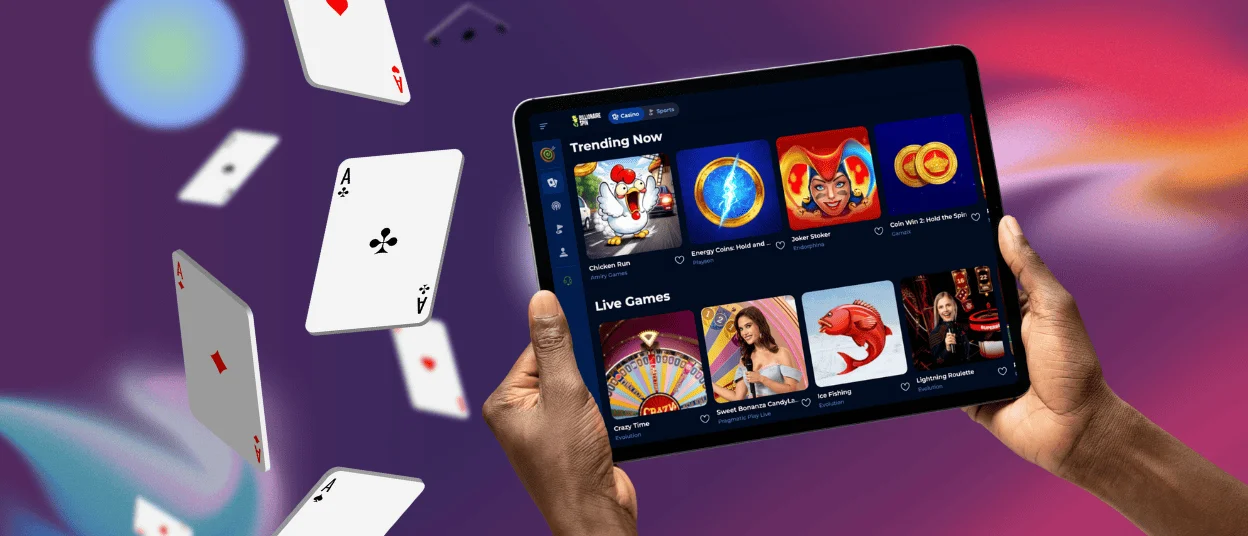
The Billionaire Spin application works smoothly on iPhone and iPad. You do not need to search an app store. Open the site in Safari, tap Share, then choose Add to Home Screen. After that, the icon stays on your device and gives you direct access each time you want to play or manage your profile.
This version suits iOS users who want a cleaner path back to the platform. The Billionairespin application keeps the experience simple, which matters on smaller screens where every extra tap slows the session down.
One Account Across Devices
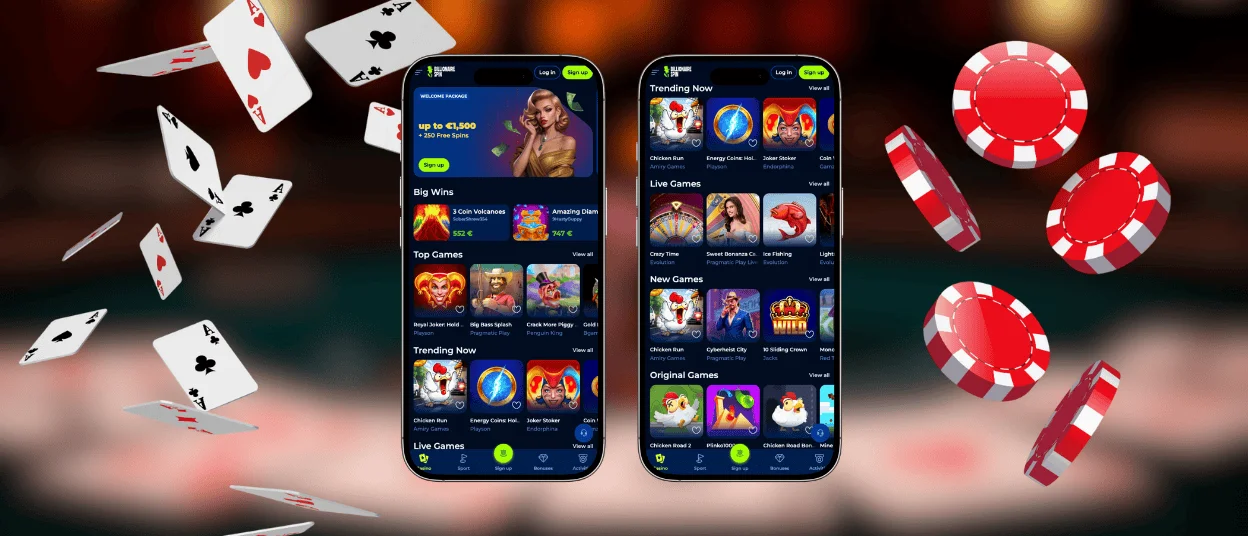
You do not need separate registration for mobile and desktop. Your profile stays connected, so your session feels consistent when you move between devices. This makes the Billionairespin Casino easier to use during the day. You can check your account on your phone and continue later on a larger screen without starting again.
This cross-device setup also helps when you use more than one device for different situations. A phone works well for quick access. A tablet gives you more room. A desktop still suits longer sessions. The Billionaire Spin casino keeps that movement simple because the account stays in one place.
How to Get the Best Experience from the Billionaire Spin App
A good mobile session depends on more than the install itself. Small habits can make the Billionaire Spin app feel smoother and more reliable.
For better everyday use:
- Keep your browser updated, especially Chrome on Android and Safari on iOS.
- Leave some free storage on the device so the mobile version can load temporary data without delays.
- Use a stable Wi-Fi or 4G/5G connection when you plan a longer session.
- Turn on notifications only when you want quick account messages and relevant updates.
These steps do not take long, but they improve comfort. They also reduce the chance of small loading issues that often come from old browser versions or crowded device memory.
Security, Support, and Responsible Play
We treat mobile security as a core part of the experience. The Billionairespin Casino protects account access with modern encryption and standard identity checks. We also support extra account protection options, such as two-factor authentication when available. This matters even more on mobile, where players often switch between networks and devices.
Support stays close as well. If you need help with login, verification, or a technical issue, you can reach our team from the mobile version without searching through the whole site. That keeps the experience practical when you need a fast answer.
Responsible play matters on mobile as much as it does on desktop. We give you tools that help you control time and spending. You can use account limits if you want more structure. You can also take a break when you need distance from the platform.
FAQ
Do I need to reinstall the app after updates or platform changes?
In most cases, no. The Billionairespin home screen version opens the current mobile version, so most changes appear after you reopen it or refresh the page. If you still see an older version, close the browser fully and start a new session.
What should I do if the Billionairespin application does not open or the icon disappears?
First, check whether your internet works properly. Then update your browser if it runs an old version. Close the browser and open it again. If the problem stays, clear the cache and restart your phone or computer. If the home screen icon has disappeared or stopped working, remove it and create a new shortcut.
Can I use the Billionaire Spin application while I travel?
You can use it only in places where access is allowed. Rules for online casino websites are different from one country to another. Before you sign in during a trip, check the local rules in your current location.
How can I reduce battery and mobile data use on my phone while I play?
Connect to Wi-Fi when you can. Lower your screen brightness before a long session. Close unused apps in the background, because they continue to use power and traffic.
Avoid keeping multiple casino tabs open at once. If you notice high data use, remember that live-stream content uses more data than standard browsing.
What is the safest way to use it on a shared phone or tablet?
Do not save your Billionaire Spin password in the browser if other people use the same device. Log out after every session and keep the screen lock enabled. It is also smart to avoid public Wi-Fi for account access. If you ever think someone used your device without permission, change your password at once and review your recent account activity.


